
Why AI Gives You Bad Answers (and How PromptMate.cloud Fixes Them)
Introduction
You ask an AI assistant for a product launch email. It returns 400 words of polite, forgettable copy that could belong to any company on earth. You ask for a competitor analysis and get a confident list with two invented facts. You ask for a code review and receive praise for the bug you wanted it to catch.
Sound familiar? You are not alone. Teams that rely on AI for daily output report the same frustration: the model is capable, but the answers are inconsistent. One prompt works on Tuesday and fails on Thursday. One colleague gets sharp results while another gets mush from the same tool.
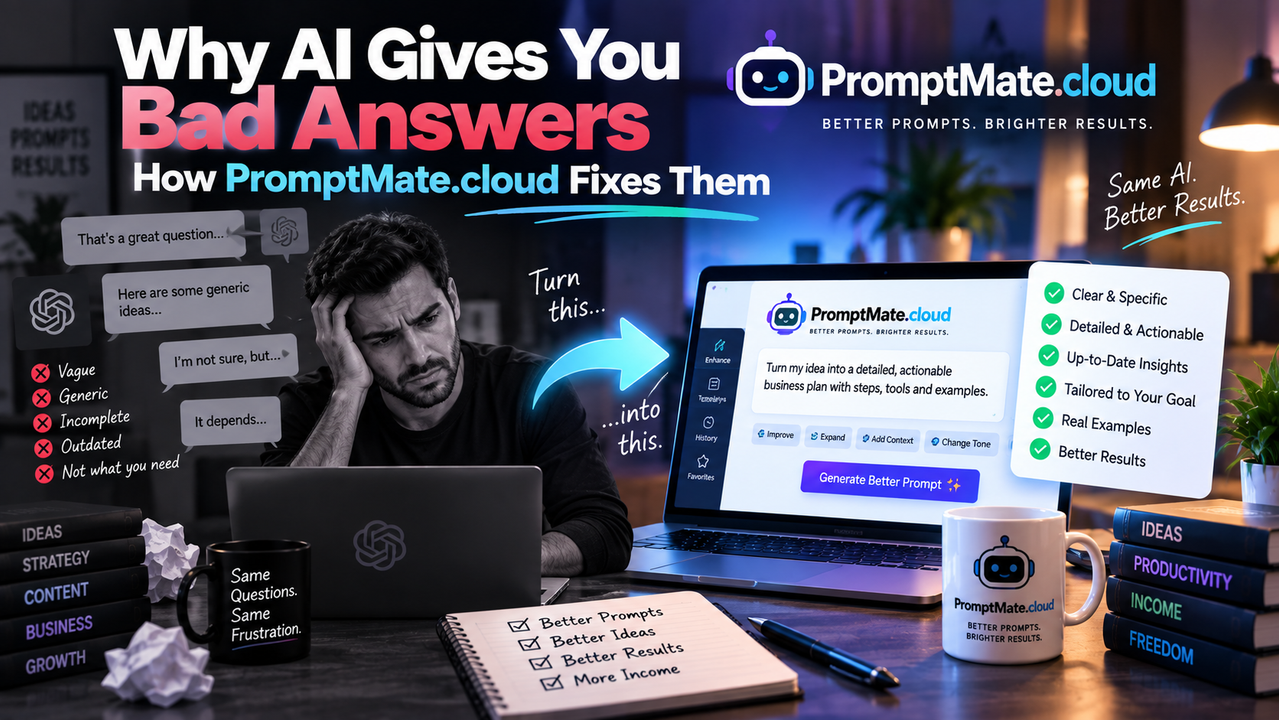
The gap is not the model. It is the instruction. Most people type requests the way they would text a friend, then judge the model for responding like one. PromptMate.cloud closes that gap by turning rough requests into structured, tested prompts before they ever reach the AI. This post explains the four reasons AI answers go wrong and shows exactly how PromptMate.cloud fixes each one.
Why AI Gives Bad Answers
1. The request is underspecified
Language models fill gaps with averages. If you leave out the audience, the format, or the goal, the model picks the most common version of each and gives you the most common answer.
Example: "Write a LinkedIn post about our new feature." The model does not know who reads your feed, what the feature does, or what action you want. So it produces a generic announcement with three hashtags and a rocket emoji.
2. The context lives in your head, not the prompt
You know your brand voice, your pricing, your last three campaigns, and the objection your sales team hears most. The model knows none of it. Every answer it gives is built on public data plus whatever you paste in, and most people paste in nothing.
Example: A marketer asks for "a comparison of our plan versus the competitor's." The model invents feature lists for both because it has no source material. The output looks authoritative and is wrong in four places.
3. There is no quality bar
A human editor works against a checklist, even an unwritten one. AI works against nothing unless you supply the criteria. Without a definition of "good," the model optimises for sounding fluent, which is not the same as being useful.
Example: A founder asks for "feedback on my pitch deck." The model returns encouraging comments and two minor suggestions. It never checks whether the deck answers the questions an investor asks in the first five minutes, because nobody told it to.
4. One shot, no iteration
Most people accept the first answer or abandon the task. Skilled prompt engineers treat the first output as a draft, critique it, and run a second pass. That loop is where quality comes from, and almost nobody outside the AI field does it by habit.
Example: A consultant asks for a client report summary, gets a serviceable draft, and ships it. A second pass asking the model to flag unsupported claims and tighten the recommendations would have taken ninety seconds and caught the two sentences the client later questioned.
How PromptMate.cloud Improves Each Issue
PromptMate.cloud sits between you and your AI model. You type a plain request; it returns a complete, structured prompt built on proven patterns, then runs it. Here is how that maps to the four problems above.
Fix 1: It asks the questions you forgot to answer
When your request is thin, PromptMate.cloud prompts you for the missing pieces: audience, goal, format, tone, and length. It then assembles those into a role-stacked prompt that tells the model who it is writing for and what outcome matters. The vague LinkedIn request becomes a brief with a named reader, a single call to action, and a banned-phrase list. You get copy that sounds like your company on the first try.
Fix 2: It carries your context for you
You upload your brand guide, product sheets, past examples, and reference documents once. PromptMate.cloud stores them in a workspace and injects the relevant pieces into every prompt automatically. The competitor comparison now runs against your real pricing page and feature list, so the model compares facts instead of inventing them. Your team stops re-explaining the business in every chat window.
Fix 3: It builds the quality checklist into the prompt
Every template in PromptMate.cloud ships with explicit evaluation criteria. A pitch-deck review prompt instructs the model to check for a clear problem statement, market sizing logic, a credible go-to-market plan, and an ask. You can edit these criteria or write your own. The model now grades your work against a standard, not against politeness.
Fix 4: It runs the second pass automatically
PromptMate.cloud's refine mode generates the first draft, then runs a critique-and-revise cycle against your criteria before you see the result. For the client report, that means the summary arrives with unsupported claims already flagged and weak recommendations already tightened. You review a second draft while spending the effort of a first.
Case Snapshot
Results from a 12-person B2B marketing team after six weeks on PromptMate.cloud (figures are illustrative placeholders; replace with your verified customer data before publishing):
- Editing time per AI draft dropped from 22 minutes to 9 minutes, measured across 340 content pieces.
- Factual corrections per deliverable fell by 71 percent once product documents were loaded into the shared workspace.
- First-draft acceptance rate rose from 31 percent to 68 percent, tracked by the team lead's review log.
- Prompt reuse increased fivefold because tested templates replaced individual chat histories.
- Onboarding a new writer to the team's AI workflow took one afternoon instead of two weeks of trial and error.
Conclusion & Call to Action
AI models are not the bottleneck anymore. Instructions are. When you specify the audience, supply the context, define the quality bar, and build in a second pass, the same model that gave you filler now gives you work you can ship.
PromptMate.cloud handles all four steps for you, so you get consistent, accurate answers without becoming a prompt engineer.
Start a free trial at PromptMate.cloud today and run your worst-performing prompt through it. If the output is not noticeably better in your first session, you lose nothing.