
Claude Design Prompts: How to Brief Claude So It Delivers the First Time
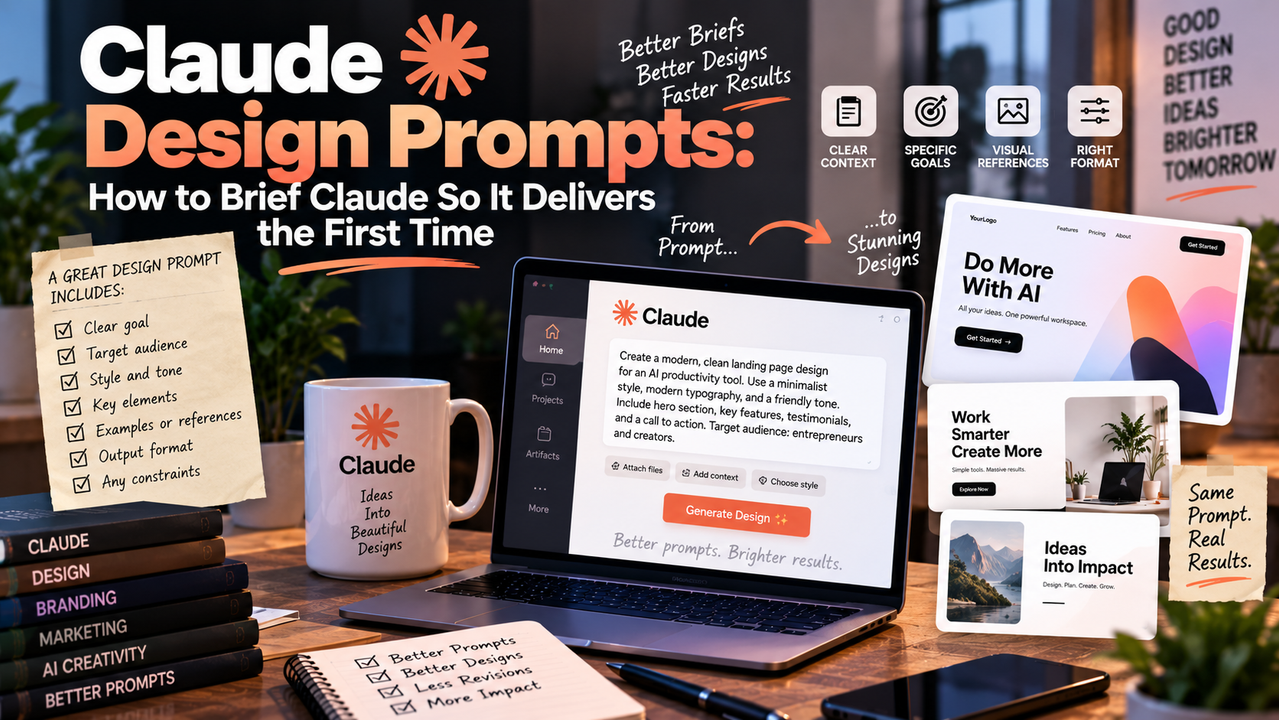
A product manager pastes a 40-page customer interview transcript into Claude and types "summarise this." The result is a competent overview that buries the two findings that matter under twelve that don't. Twenty minutes of scrolling later, the manager has the insight and a headache.
A colleague on the same team runs the same transcript with a different approach. The prompt names the reader, states the decision the summary must support, wraps the transcript in tags, and asks for three findings ranked by revenue impact with a supporting quote for each. The output goes straight into the roadmap review. Same model, same data. The second prompt was designed; the first was typed.
What are Claude Design Prompts?
A Claude Design Prompt is a structured instruction built around how Claude's models process information: explicit context, a role tied to an outcome, clearly separated inputs, stated constraints, and a defined output shape. It treats the prompt as a specification rather than a request.
Generic prompts describe a task. Design prompts describe the finished result and the conditions for producing it. "Write a product description" is generic. A design prompt states who the description is for, what it must persuade them to do, which facts it can draw on, what it must not claim, how long it should be, and how Claude should check its work before returning it.
The distinction matters because Claude responds to structure. Anthropic's own prompting guidance recommends clear and detailed instructions, positive and negative examples, XML tags to separate content from instructions, and explicit format and length requirements. A design prompt applies those recommendations deliberately instead of hoping the model infers them.
Key Benefits
Designing prompts rather than typing them pays off in four measurable ways.
- Higher relevance on the first attempt. When the prompt defines the reader and the decision, Claude selects and prioritises content accordingly. Output that needed heavy editing now needs a light pass, which cuts turnaround on every task that touches the model.
- Lower token spend. A precise prompt with a stated length and format avoids the long, hedged responses that come from ambiguity. Fewer wasted tokens per call adds up quickly across an automated pipeline or a busy team.
- Faster iteration. Structured prompts expose which element to adjust when a result misses. Changing one constraint and re-running is quicker than rewriting a paragraph of prose and guessing what fixed it.
- Consistent results across people and runs. A saved design prompt encodes the best practitioner's judgment, so a new team member gets comparable output on day one. That converts individual skill into a reusable asset and makes quality predictable enough to build workflows around.
Design Principles
Five principles cover most of what separates a design prompt from a generic one. Each includes a short example.
1. Frame the context before the task. Tell Claude who it's working for and what the output will be used for. Context shapes every downstream choice about tone, depth, and emphasis. Example: "The reader is a CFO deciding whether to renew a vendor contract. She has five minutes and cares about cost risk, not features."
2. Specify a role tied to an outcome. A bare title adds little. A role plus a job gives Claude a standard to write against. Example: "You are a procurement analyst whose job is to surface the three contract clauses most likely to cost the company money in year two."
3. Separate inputs from instructions with tags. Claude handles long or mixed inputs more reliably when the source material is clearly delimited. Tags also make it easy to reference a section later.
Example: "Analyse the text inside <contract> tags. Use only that text. If a fact is not present, say so rather than inferring."
4. State constraints as rules, not preferences. Length, format, banned phrases, and fallback behaviour should be explicit so Claude can apply them without judgment calls. Example: "Return under 200 words. Three numbered findings. Each finding: one sentence of risk, one quoted clause, one recommended action. No introductory paragraph."
5. Build refinement into the prompt. Ask Claude to check its draft against your criteria and revise before returning. One internal pass replaces a round-trip with a human editor. Example: "Before finalising, verify that each quoted clause appears verbatim in the source and that every recommendation is actionable within 30 days. Revise once, then return the final version."
Applied together, these principles turn a vague request into a repeatable specification that produces the same quality every time it runs.
Step-by-Step Template
Copy the template below, fill the placeholders once, and save it for reuse.
You are [ROLE] whose job is to [OUTCOME].

The reader is [AUDIENCE], who will use this to [DECISION OR ACTION].

<context>
[Background facts, brand voice, prior examples, or anything Claude cannot know]
</context>

<source>
[The document, data, or transcript to work from]
</source>

Task: [One sentence describing the deliverable]

Constraints:
- Length: [word or item count]
- Format: [sections, bullets, table, JSON]
- Tone: [plain, formal, direct]
- Do not: [banned phrases, assumptions, invented facts]
- If information is missing: [state "not in source" / ask a question / skip]

Before returning, check that [QUALITY CRITERIA]. Revise once, then output the final version only.
Each placeholder maps to one of the five principles, so a filled template is a complete design prompt by construction.
Call to Action
Take one task you sent to Claude this week that came back needing heavy edits. Rebuild it with the template above, run both versions side by side, and note what changed: relevance, length, error count, and how long the edit took. Most people see the gap on the first comparison and never go back to typing prompts. Once you have a version that works, save it, share it with your team, and post your before-and-after in the comments so others can learn from the specific changes that made the difference.